本来是想搞我的MCP 网页远端脚本获取的问题,体量因为可能跨网站跨域拓展一些好玩的东西,因为觉得油猴体量太大,结果让AI搞出了个这么玩意
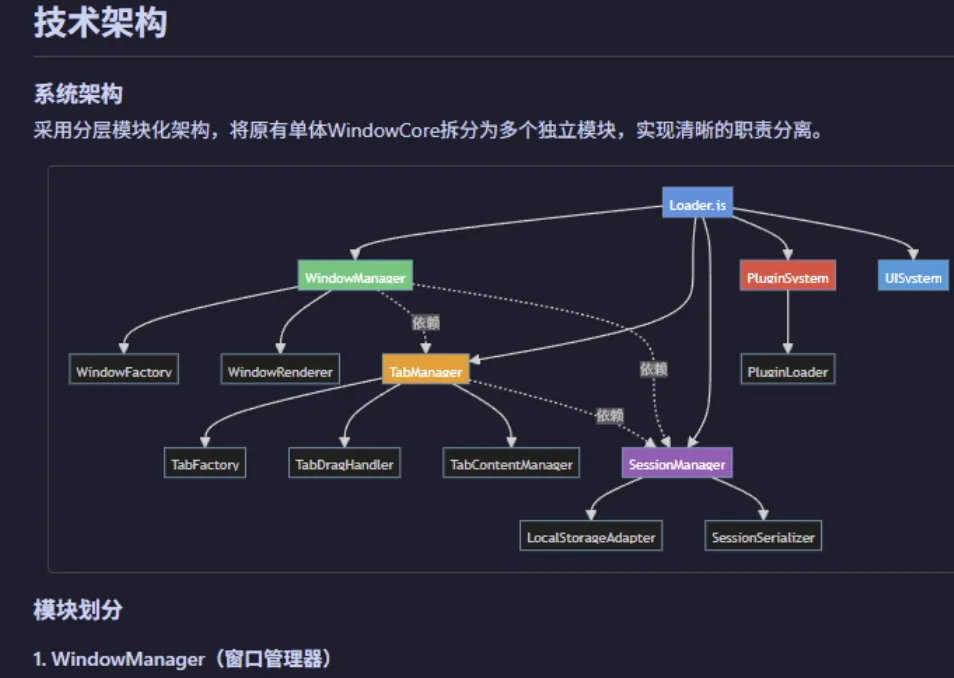
简单介绍:(目前没完善,有能者完善一下吧,注册窗口的逻辑有点问题,太细节的问题) 文件除了模块什么手册什么的全部打包了,用qwen-code 还有腾讯的那个IDE或者其他AI帮你快速捋一捋怎么用就行。
后续有空还会更新,如果有更新好的,请分享给我。总能省点事
上图:
以下文件有全部资料在内。
我也不知道方向对不对,反正我那个脚本的远端加载热重载问题解决了,更新会很快的(AI免费劳工)。
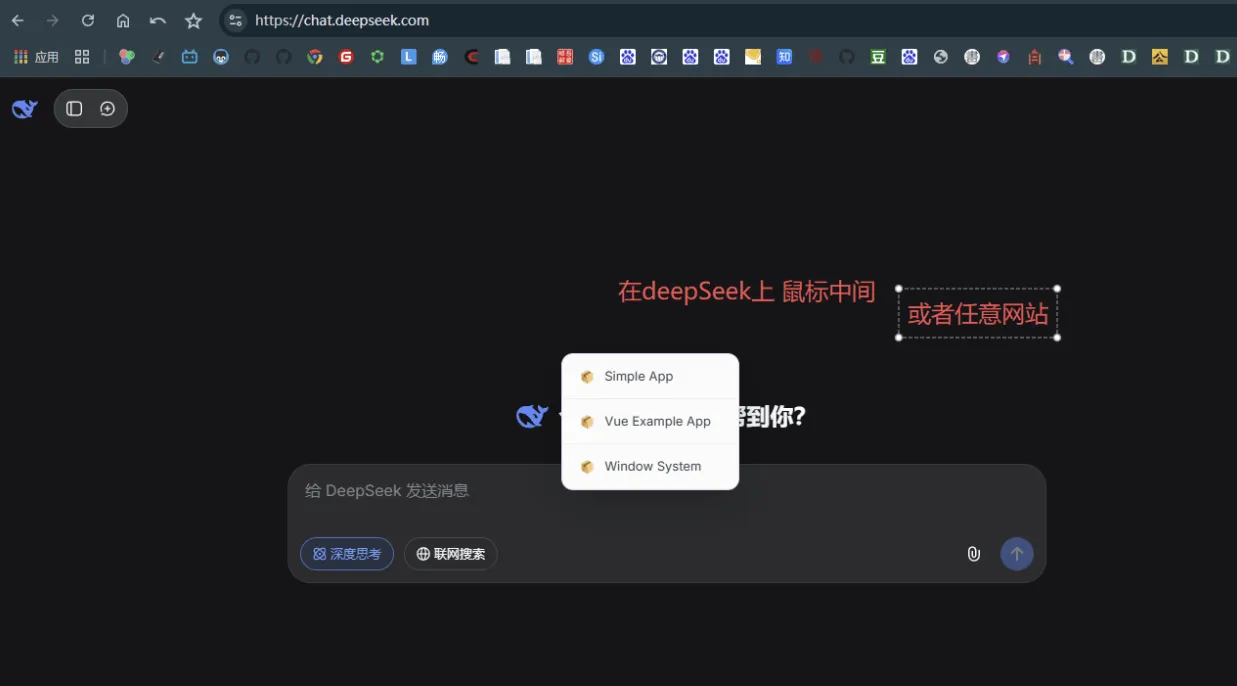
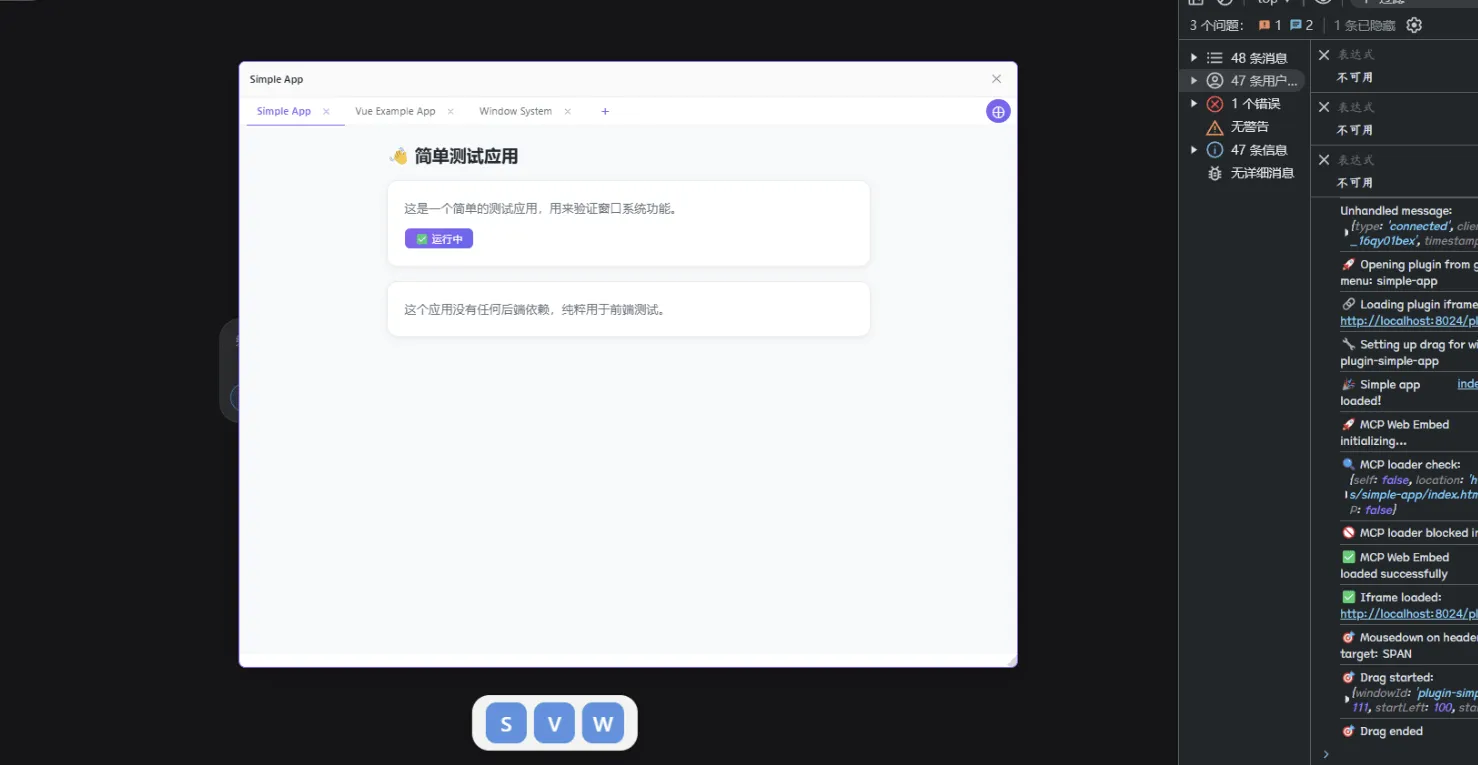
一下脚本从远端或者本地服务器拉取所有的应用。按理来说支持远端开发。支持热重载
(function() { 'use strict'; if (window.MCP_LOADED) return; window.MCP_LOADED = true; const container = document.createElement('div'); container.id = 'mcp-web-embed-root'; container.style.cssText = ` position: fixed; top: 0; left: 0; width: 100%; height: 100%; pointer-events: none; z-index: 9999; `; document.body.appendChild(container); const script = document.createElement('script'); script.src = 'http://localhost:8024/loader.js'; script.type = 'module'; script.onload = () => { console.log('✅ MCP Web Embed loaded successfully'); }; script.onerror = (error) => { console.error('❌ Failed to load MCP Web Embed:', error); }; document.head.appendChild(script); console.log('🚀 MCP Web Embed initializing...'); })();
复制代码
下载地址:https://xiaok.lanzoum.com/ikxPF3h5jp5a